Tutorial · ChatGPT to SVG
How to make a logo with ChatGPT and get the SVG free
Ask ChatGPT for a 4×4 grid of logo concepts, pick your favourite at full size, and upload that PNG to Crisp Vector. Two prompts, one upload, and you get a clean, editable SVG for free.
The SVG you end up with is a real vector file, the kind your printer, sign maker or embroiderer asks for. Here’s what you need:
- A ChatGPT account. The free plan is fine.
- Your business name and two colours you like.
- Nothing to install. It all happens in your browser.
If you already have a logo, skip the prompts and upload it on the homepage.
Step 1: Ask ChatGPT for a grid of logo ideas
Open ChatGPT and ask for one image with a 4×4 grid of logo concepts in it. That’s 16 ideas for the price of one image, which matters on the free plan because it limits how many images you can make.
Put your business name in quotes, say what the business does, give it two colours as hex codes, and ask for flat colour on a plain white background. Each of those details is in there for a practical reason, and the tips below walk through why.
Write the prompt for your business
Fill these in and copy the result. You can change anything in the prompt before you send it.
Your prompt
A worked example: Still Point
Here’s the complete prompt for Still Point, an example yoga studio, and the grid ChatGPT drew from it. Copy it and swap in your own details if you’d rather start from words than the form.
Step 2: Pick one and ask for the final version
Pick the concept you like and tell ChatGPT its number, counting left to right, top to bottom. It can see the grid it drew, so the number is enough. Ask for that one at full size, with cleaner shapes, flat colours and a plain white background.
Check every letter of the name before you go any further. If it’s wrong, ask ChatGPT to fix the spelling and keep everything else the same. When it looks right, download the image. That’s your PNG.
The follow-up
The number of the concept you liked, counting left to right, top to bottom.
I like number 3 best. Make it the final version at full size: keep the same design, layout, colours and lettering, but make every shape cleaner and more precise, with smooth curves and crisp edges. Flat solid colours only. No gradients, no shadows, no texture, no mockup. Plain white background with generous padding.
Every concept in the grid converts cleanly
Each square in the grid is a logo in its own right, and any of them will make a clean SVG. Click a concept in Still Point’s grid to see it cropped out and converted. The example goes with number 3.
Prompt 1: the grid Click any concept.

StillPoint.png Prompt 2: the final
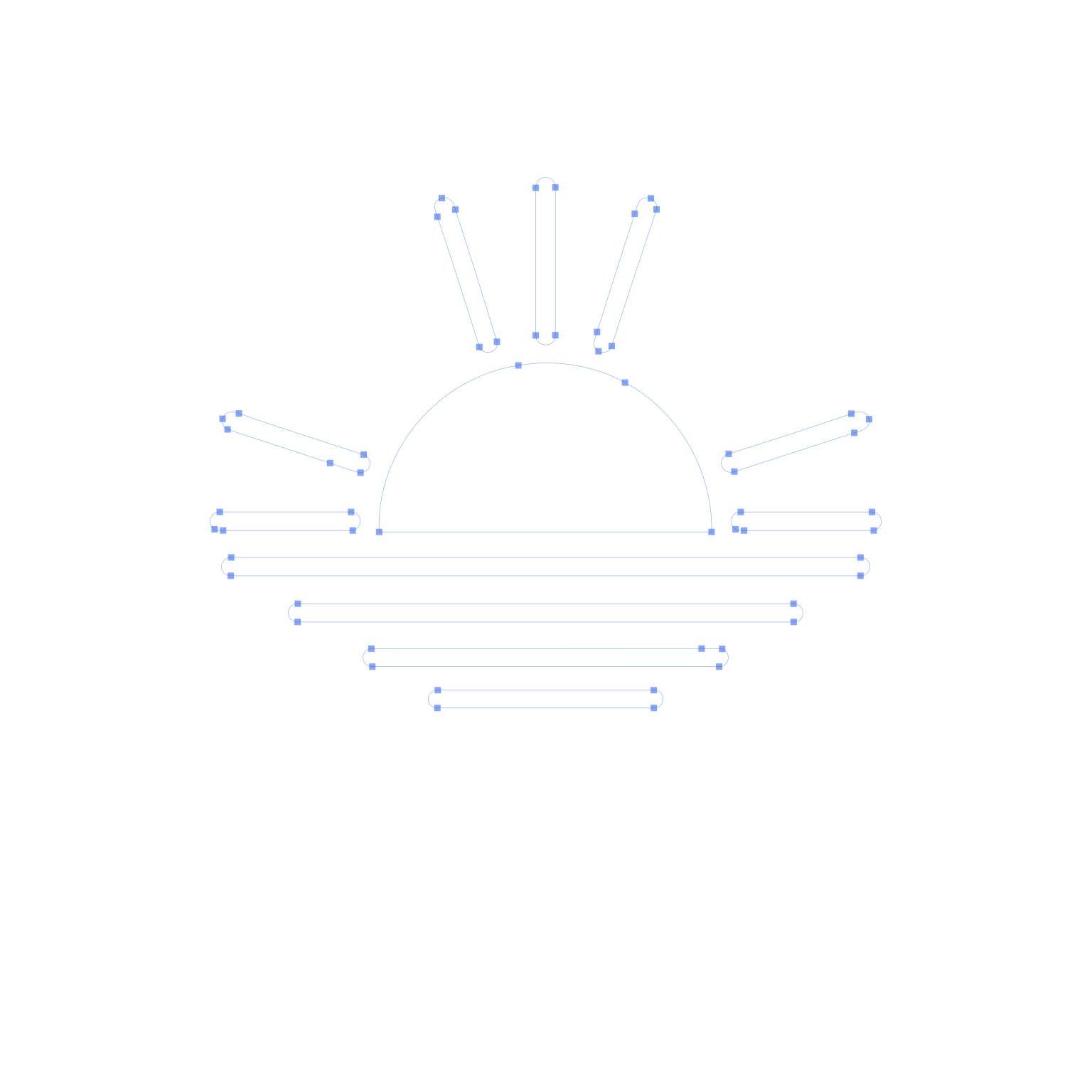
StillPoint.svg 483 points7.7 KB
Step 3: Upload the PNG and download the SVG
Upload the PNG on the Crisp Vector homepage. It takes the background off, redraws every edge as real curves and corners, and gives you an SVG. The download is free: no account, no card and no watermark.
The SVG opens in Figma, Illustrator, Inkscape, Affinity and Canva, and it’s what a printer means when they ask for a vector. If they want EPS or PDF instead, open the SVG in Illustrator, Inkscape or Affinity and save it as either.
Tips for a logo that converts cleanly
The prompts on this page all follow the same six rules. They’re why the logos came out flat, bold and easy to turn into an SVG.
Ask for a grid, not one logo
One image of a 4x4 grid gives you 16 ideas to pick from. On the free plan, where images are limited, that costs one image instead of sixteen.
Keep the name short and in quotes
AI spells short names well and long ones badly. Check every letter before you download. If your name is long, try asking for the icon on its own and setting the name in a font yourself.
Give it your colours
Two or three, as hex codes. Otherwise ChatGPT picks for you, and colours you chose are colours you can find again later.
Flat colour, or light shading
Flat colour turns into the fewest, cleanest shapes, and it’s what embroidery and screen printing need. Light shading works too: it comes back as real gradients. Either way, no glow, grain or mockups.
Plain white background, lots of room
A plain background comes off cleanly, and padding stops the logo touching the edge of the image.
Keep the lines bold
Hairlines disappear on a business card and can’t be embroidered. Ask for lines bold enough to read when the logo is small.
What a one-line prompt gets you
Here’s the same yoga studio asked for both ways. The one-liner isn’t bad, but you get one idea, in colours you didn’t choose, with lines too thin to survive a business card.

The one-liner
“Make me a logo for my yoga studio called Still Point.”
- One idea to take or leave
- Hairline strokes that fade when small
- A cream background baked in
- Colours you didn’t choose
It still converted fine: 679 points, background removed.

The prompt from step 1
A grid, the name in quotes, two hex colours, flat colour, plain white.
- 16 ideas in one image
- Even, bold lines
- A plain white background
- The colours you asked for
Using another generator. The same prompts work in Gemini, Grok and Midjourney, and Ideogram is especially good at lettering. Whatever you use, save the PNG and bring it to Crisp Vector.
Shaded logos work too
If you’d rather have the soft gradients of a modern app icon, ask for light shading instead of flat colour. Crisp Vector rebuilds the shading as real SVG gradients you can edit, not as bands of flat colour.
This juice bar logo came out of ChatGPT in a single prompt. Vector Magic turned it into 75 flat-colour shapes, whereas Crisp Vector rebuilt it as 12 clean shapes and 14 editable SVG gradients.
What to change in the prompts
- In the first, pick Lightly shaded in the prompt builder.
- In the second, swap “Flat solid colours only. No gradients, no shadows” for “Keep the same light shading. No glow, no grain”.
- Keep it flat if the logo will be embroidered or screen printed. Those need solid colours.
Examples
Eleven logos for made-up businesses, each made with the same two prompts and converted by Crisp Vector on its default settings, with nothing touched up afterwards. Open any of them to see the prompts and download the SVG, then use them as a starting point for yours.
6,669 points across all 11 files, 102.4 KB in total
 TideWater.png TideWater.svg
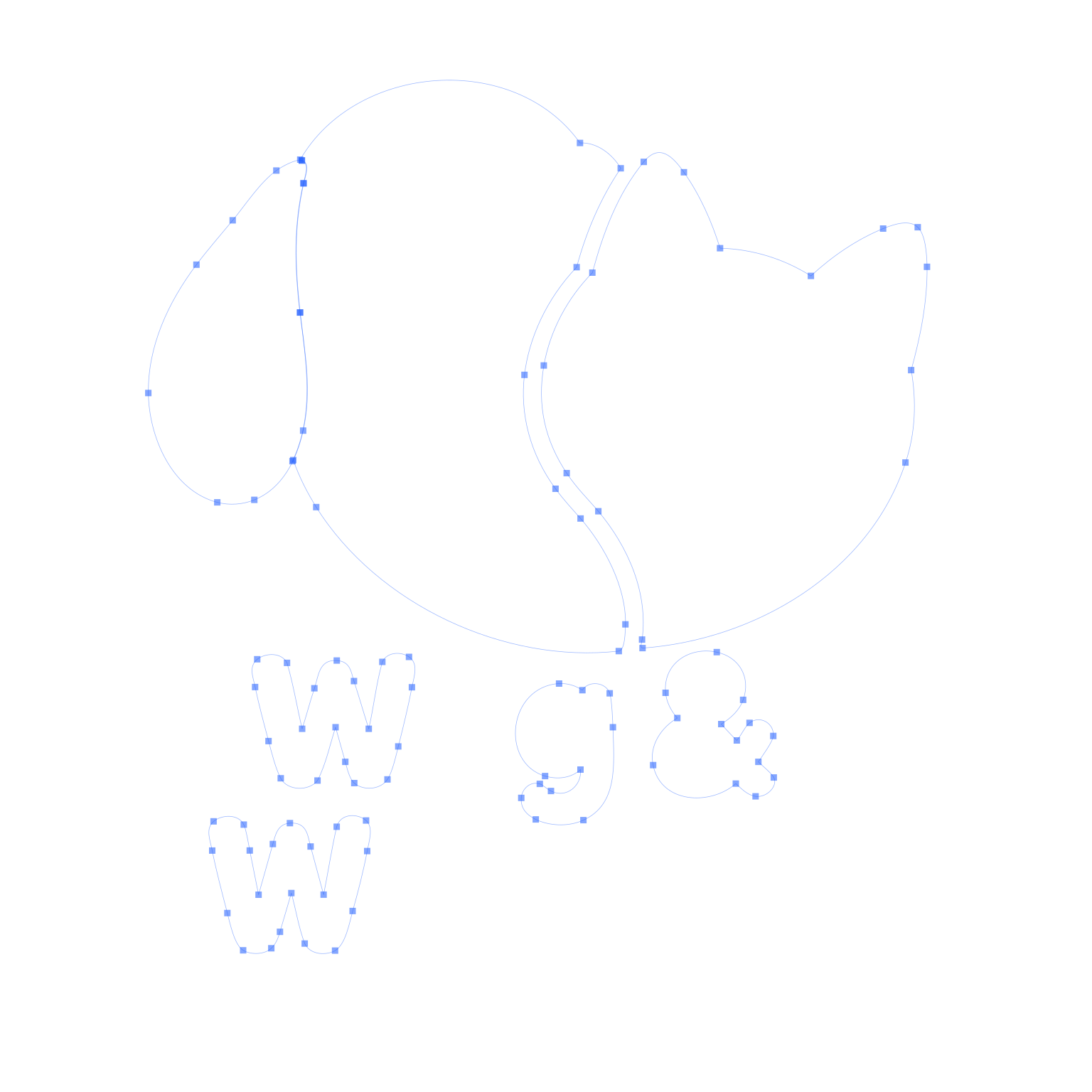
 WagWhisker.png WagWhisker.svg
 HearthCoffee.png HearthCoffee.svg
Hearth Coffee Co.
Coffee roaster · Circular emblem
477 points · 2 colours 7.4 KB
 PinePeak.png PinePeak.svg
 RiseBakehouse.png RiseBakehouse.svg
Rise Bakehouse
Sourdough bakery · Warm artisan
1,218 points · 2 colours 17.9 KB
 SharpCo.png SharpCo.svg
 LumenDental.png LumenDental.svg
 StillPoint.png StillPoint.svg
 Ironclad.png Ironclad.svg
 WildStem.png WildStem.svg
 Keystone.png Keystone.svg


Check it’s a real vector
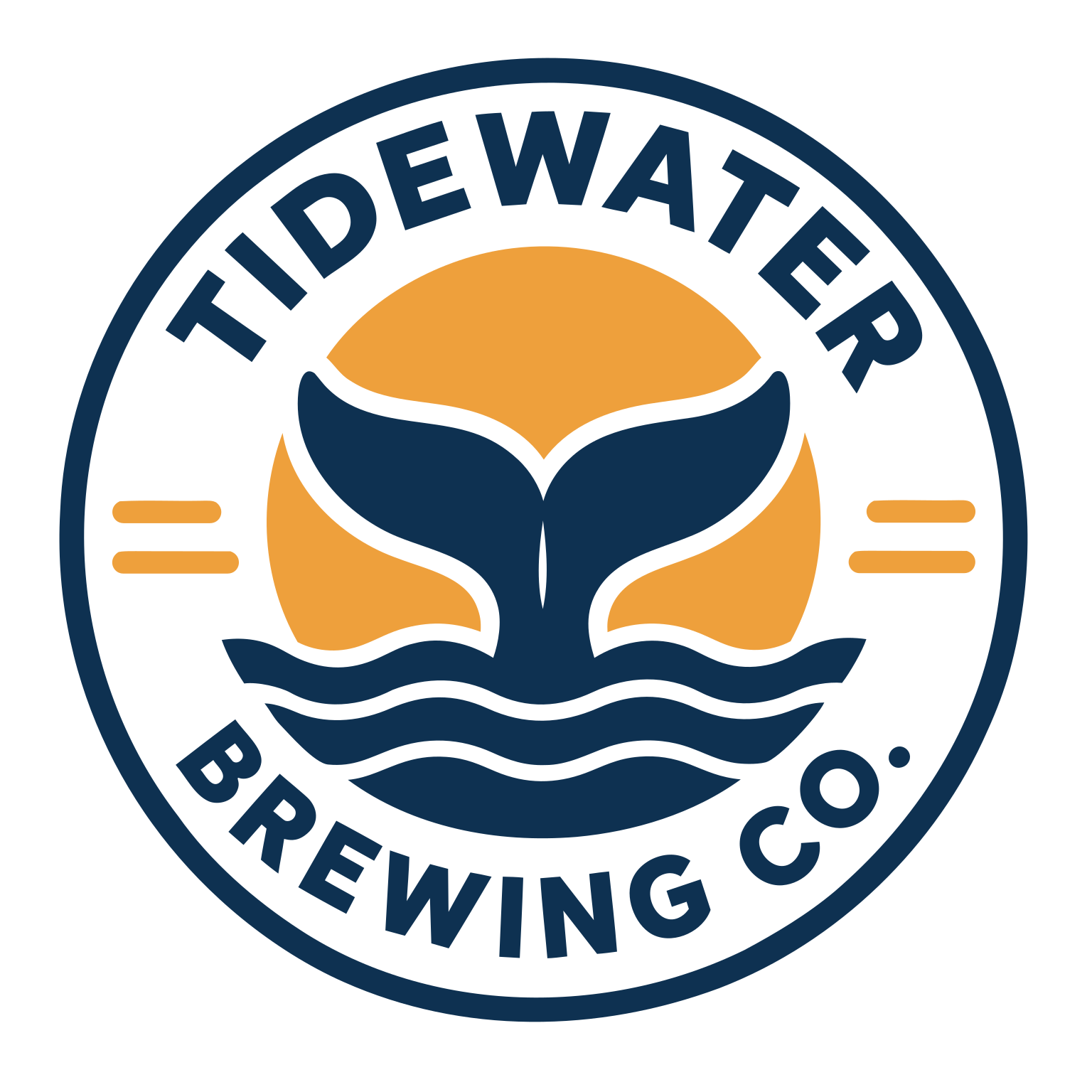
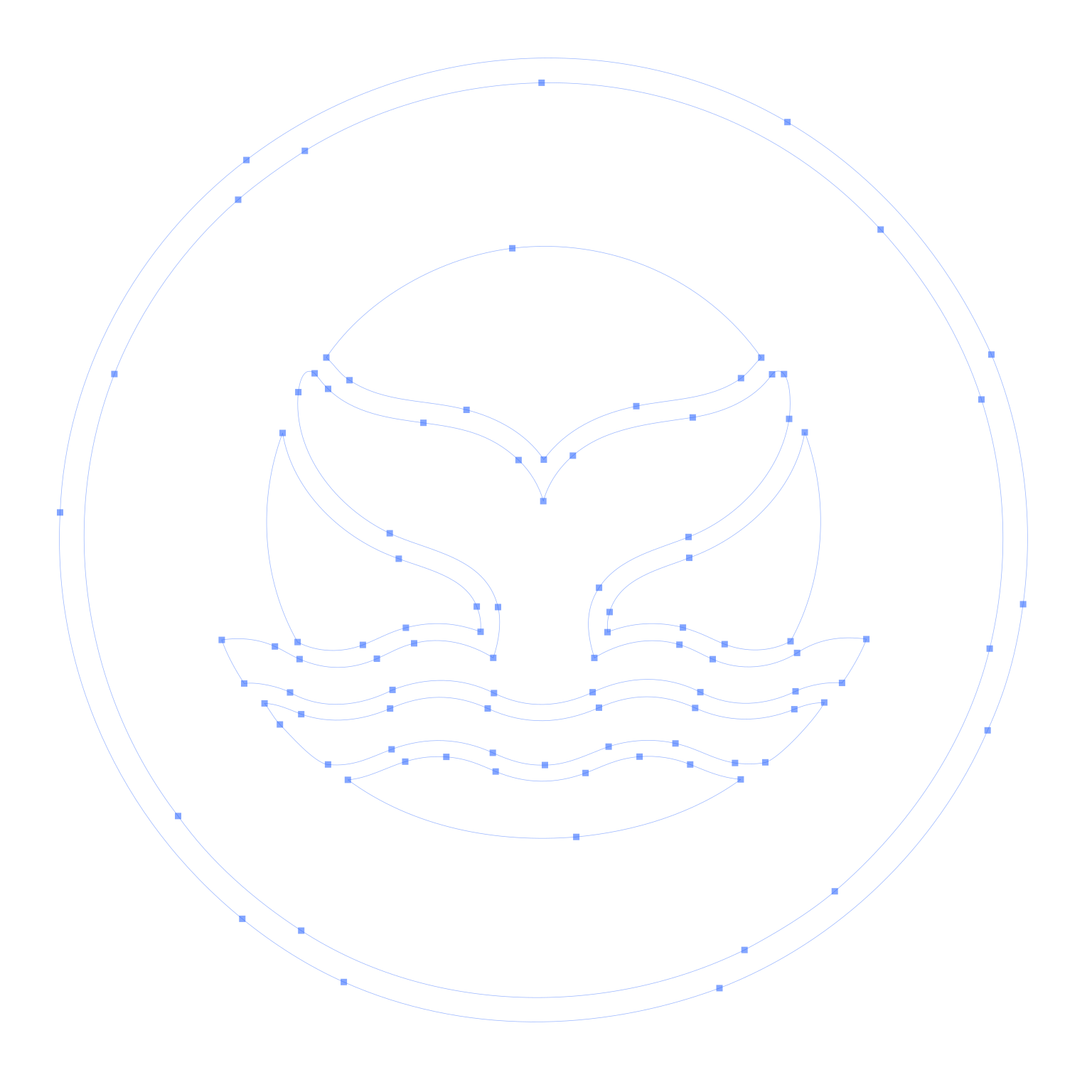
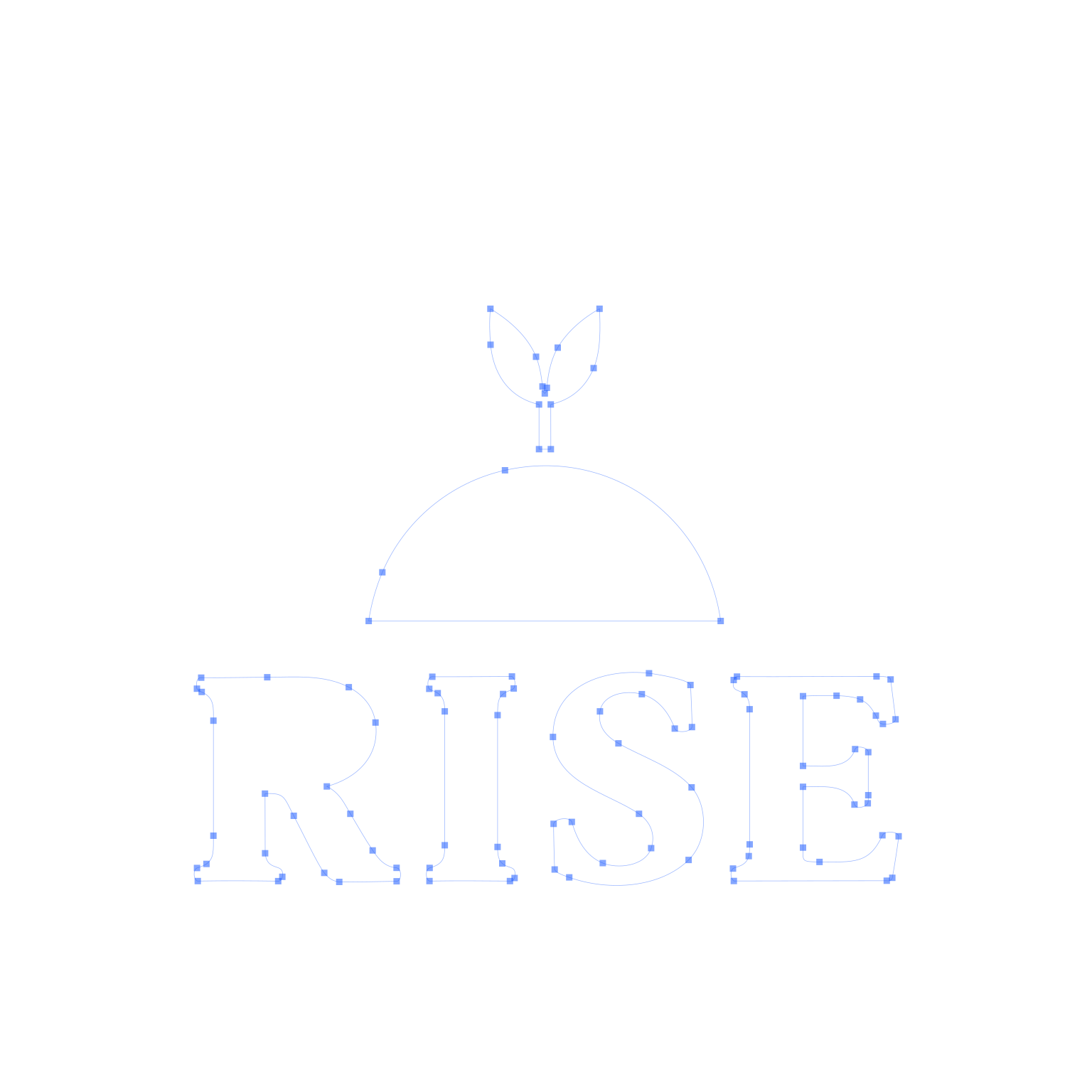
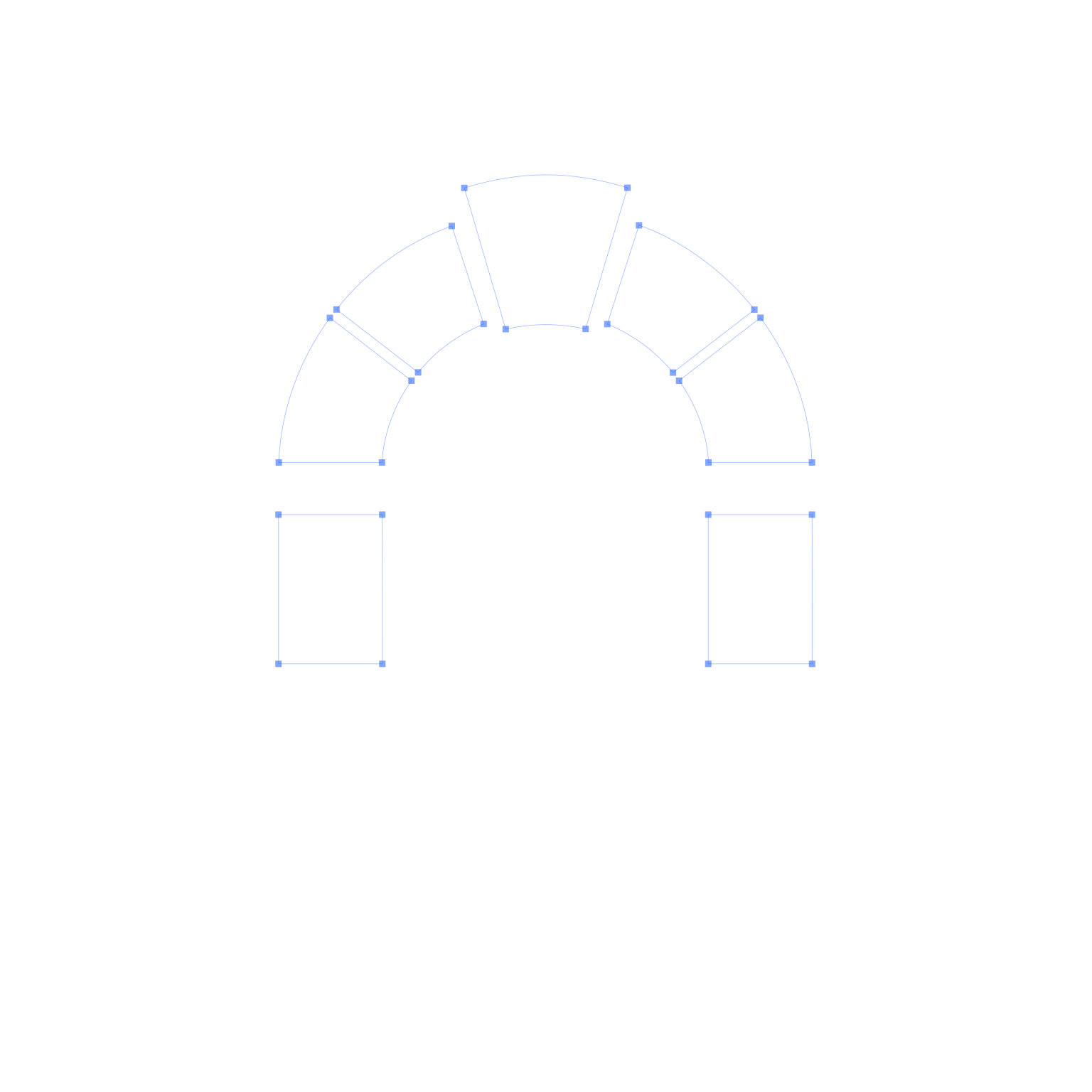
A PNG looks fine on screen, but blow it up for a banner or a van and the edges turn into blurry steps. An SVG is made of shapes, so it stays sharp at any size. Pick a logo and move the box over it to see the same spot in the PNG, the SVG, and the paths and anchor points underneath.

Tap a detailMove your pointer over the logo, or focus it and use the arrow keys. Each window shows that spot 3× bigger than the PNG.
- PNG pixels
- SVG
- Paths · 309 anchors
Tidewater Brewing Co.
TideWater.svg
- Points
- 759
- Anchors
- 309
- Colours
- 2
- File size
- 11.5 KB
The PNG is 1536 × 1536 pixels and 1.7 MB. The SVG is 2 paths you can recolour, resize and print at any size.
Download SVGWhat it costs
Going the ChatGPT and Crisp Vector route costs nothing: a free ChatGPT account and a free SVG download. Here is how that stacks up against paying someone for a logo, in US dollars. If you hire on the cheap end of Fiverr, check the package list carefully because the basic tier usually leaves out the vector file.
| Route | Price | Vector file | Time |
|---|---|---|---|
| ChatGPT + Crisp Vector Free ChatGPT account, two prompts, one upload | $0 | Real SVG paths, free download | About 10 minutes |
| Fiverr, Basic package Typically $10 to $30, plus fees | $14 to $35 | Usually PNG and JPG only | 1 to 3 days |
| Fiverr, with the vector file Standard package ($35 to $90), or Basic plus a $10 to $30 vector extra | $25 to $98 | Included, at a higher tier | 2 to 5 days |
| 99designs contest Bronze $249 to Platinum $1,050 | $249+ | Source files included | About a week |
| Design studio A full identity, not just a logo | $2,500+ | Plus brand guidelines | Weeks |
Prices checked 2 October 2026. Fiverr ranges are typical package prices, shown with Fiverr’s 5.5% service fee and $3.50 small-order fee (orders under $200). 99designs: contest packages. Bars on a log scale.
On Fiverr, check the package for the vector file
Most logo gigs come in three packages, and the cheapest usually gives you a PNG and a JPG. The SVG, EPS or AI file (the one your printer will ask for) is in the Standard or Premium package, or it’s a $10 to $30 extra. You might only find this out when a sign maker asks for a vector. Before you order, look for “Vector file” and “Source file” in the package list.
When a designer is worth paying for
A good designer does things a prompt can’t. They’ll research your market, check your mark against existing trademarks, and build a whole identity around it. If your business has outgrown its first logo, hire one and give them your AI version as a starting point. If you need a logo on a sign by Friday, the steps above will get you there.
Common questions
Yes. ChatGPT’s free plan limits how many images you can make, and this takes two: the grid, then the final, plus a retry if a letter comes out wrong. The SVG download from Crisp Vector is free too, with no card, no sign-up and no watermark.
ChatGPT is the one to start with. It follows instructions about colour and layout closely, and it fixes things well when you ask. Ideogram is strong at lettering. Gemini, Grok and Midjourney all work with the same prompts.
Ask it to fix the spelling and keep everything else the same. Short names come out right far more often than long ones, so if yours is long, try asking for the icon on its own and setting the name in a font yourself.
Yes. Ask for light, subtle shading rather than flat colour, and rule out glow, gloss and grain. Crisp Vector rebuilds the shading as real SVG gradients. Stay flat if the logo will be embroidered or screen printed, because those need solid colours. See a shaded logo converted
Generally, yes. ChatGPT’s terms give you the rights to what you make. The catch is protection: in the US, images made entirely by AI can’t be copyrighted, which can make a logo harder to defend. If that matters to you, have a designer rework it, and talk to a trademark lawyer before you register it.
Usually, yes. An SVG made of real paths is what printers, sign makers and embroiderers mean by a vector. If they want EPS or PDF, open the SVG in Illustrator, Inkscape or Affinity and save it as either.
Download them to see what a real SVG looks like, open them in your editor and take them apart. They’re examples for made-up businesses, though, so make your own for yours, with your own name in the prompt.