Turn your AI logo into a real vector file
ChatGPT and Midjourney give you a PNG that goes blurry the moment you scale it up. Upload your PNG here and get back a clean, editable SVG, with the background removed and any shading kept as real gradients.
- Free SVG download
- No card
- No sign-up
- No watermark
Works with logos from
- Midjourney
How it works
Here’s one ChatGPT logo, Hearth Coffee Co., going from PNG to SVG, the same way yours will.
-
Upload your logo
Upload a PNG, JPG or WebP straight out of your AI tool, background and all.
-
Watch it take shape
Crisp Vector strips the background, cleans up pixel noise, and fits clean curves and corners.
-
Download the SVG
The background comes off on its own. Send it to your printer, put it on your site, or open it in Figma or Illustrator.
What happens when you zoom in
A PNG looks fine on screen, right up until you print it on a van wrap or a shop sign and the edges go blocky. An SVG is built from vector paths instead of pixels, so it stays sharp at any size.
Signs and banners
Print a business card or a three-metre banner from the exact same file.
Shirts and embroidery
Give screen printers and embroiderers the vector paths their software expects.
Web, vinyl and laser
Sharp favicons on high-DPI screens, plus clean paths for vinyl cutters and laser engravers.
Why the SVG comes out clean
Most tracers follow the pixels, blur and noise included. Crisp Vector cleans the image up first, then fits real geometry to it, so circles stay round, corners stay sharp and fades stay gradients.
kolibri.png 780 KB
 1024 × 1024 px · shaded
kolibri.svg 11.2 KB
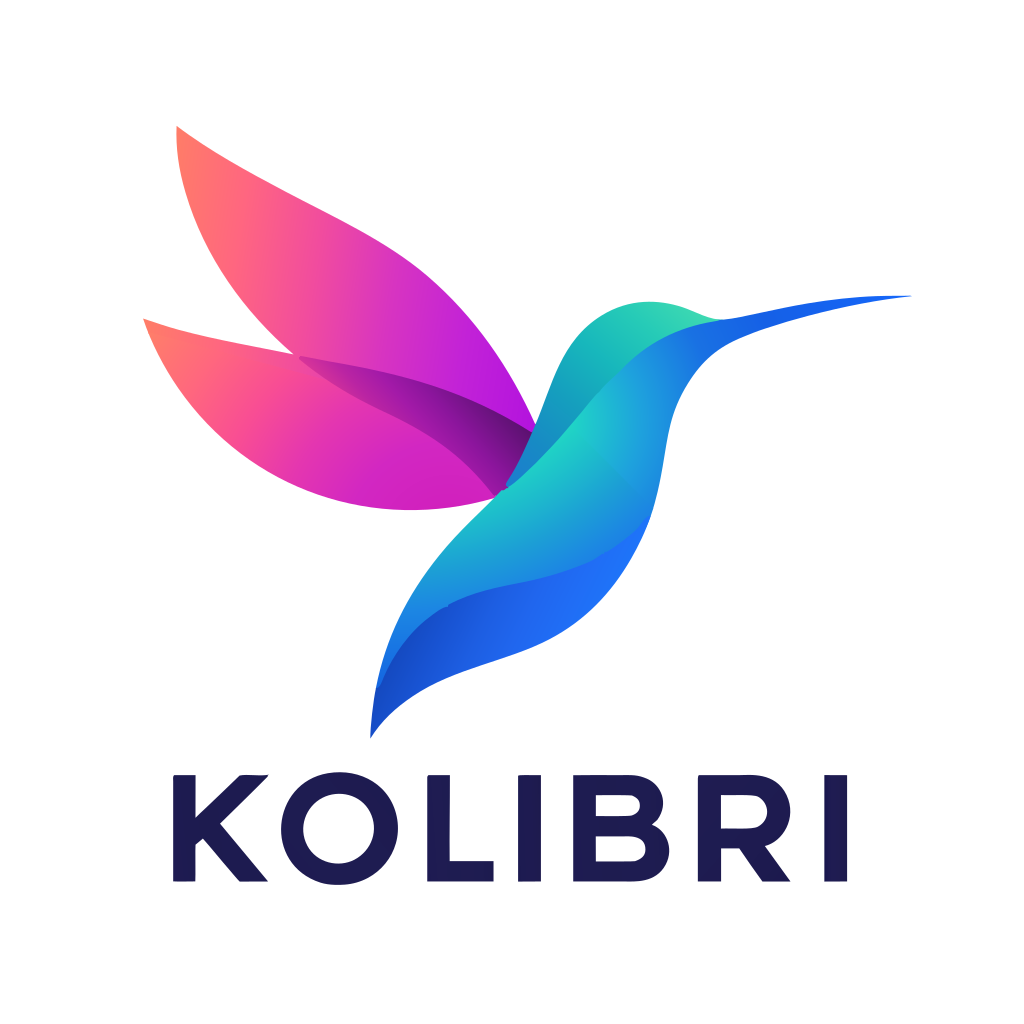 12 shapes · transparent
Gradient tool 7 selected
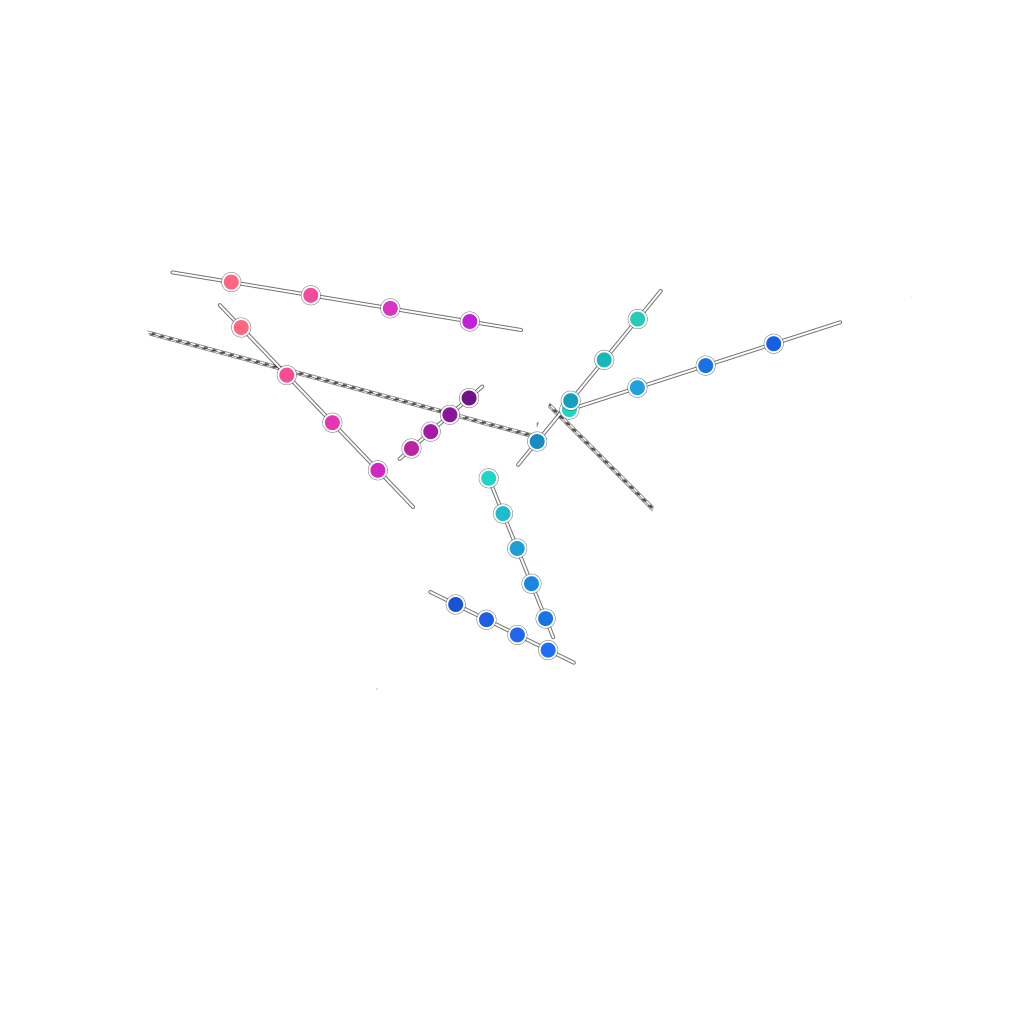
Shading comes back as real gradients
A flat-colour tracer slices a gradient into dozens of stepped bands. Crisp Vector fills each shape with an editable SVG gradient instead, so you can drag the handles in Figma or Illustrator.
See the shaded logo test- Gradients in the file
- 14
- File size
- 11.2 KB, from a 780 KB PNG
vtracer142 anchors
Crisp Vector9 anchors
vtracer11 at the tip
Crisp Vector1 at the tip
Circles stay round, corners stay sharp
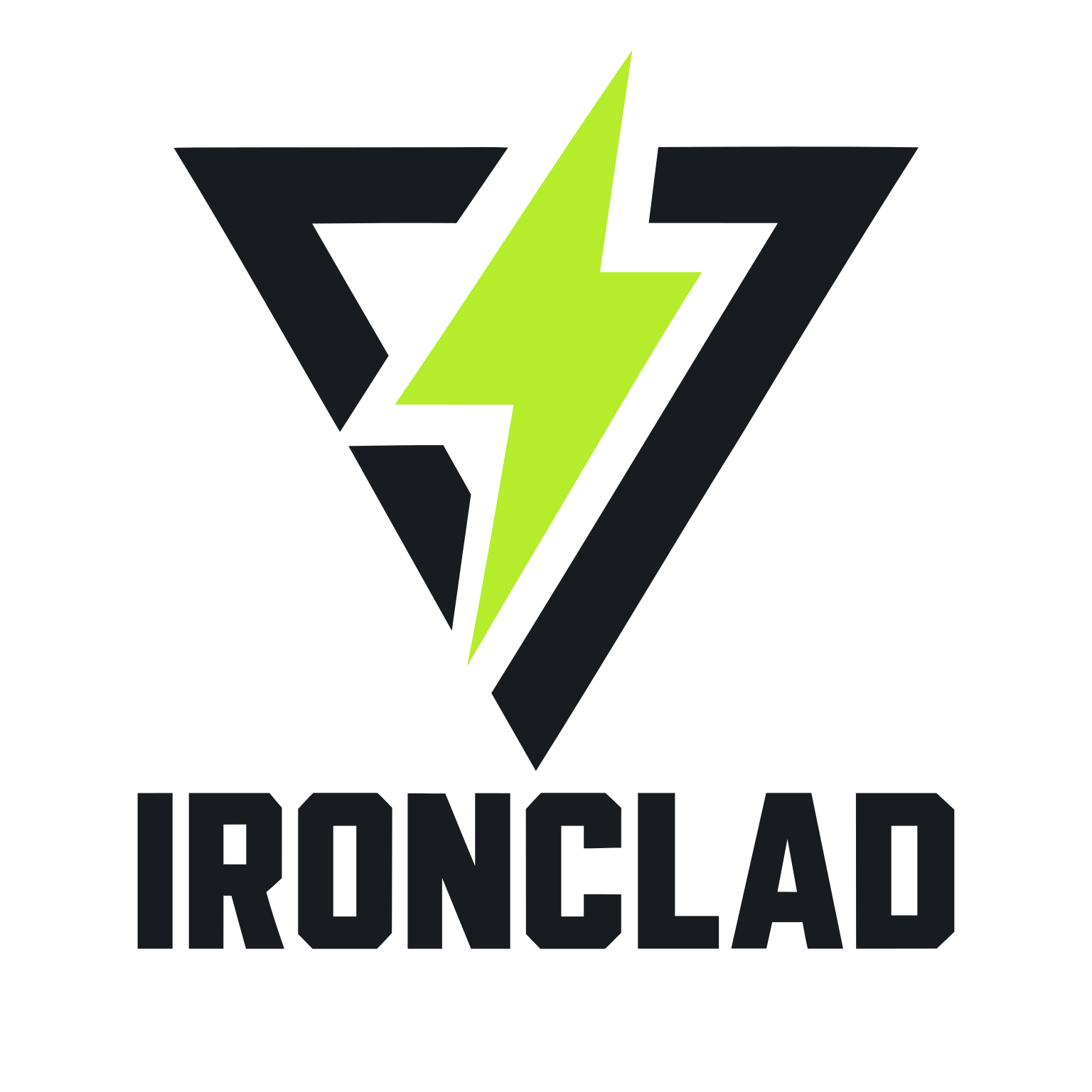
On default settings, vtracer needed 142 anchors to get around the outer ring of the Tidewater Brewing Co. badge, and bunched 11 on the tip of Ironclad’s lightning bolt. Crisp Vector drew the ring with 9 and gives the tip one clean corner.
- Anchors in all 11 AI logos, vtracer
- 10,631
- The same logos, Crisp Vector
- 2,894
- Fewer anchors
- 73%
<svg viewBox="0 0 1536 1536">
<path fill=" #0f2b54" d="M946.66 524.15C922.18…"/>
<path fill=" #c49b2b" d="M823.68 462.72C783.36…"/>
</svg>
Real paths, not a picture
Some converters cheat by wrapping your PNG inside an .svg file. This is the actual code Crisp Vector writes for Keystone Realty: clean paths you can recolour and edit.
- Paths
- 2, one per colour
- Shapes
- 26
- File size
- 4.9 KB
- Logos in my benchmark where Crisp Vector came out closer to the original than Vector Magic. How I measured
- 123/130
Frequently asked questions
Short answers on price, privacy and which logos work.
Yes. Downloading the SVG is free, with no watermark, no card and no sign-up. There isn’t a paywall waiting at the end when you click download.
Yes. Most tracers only work with flat fills, so they slice gradients into ugly colour bands. Crisp Vector finds the shape boundaries first and fills each region with a real SVG gradient you can edit in Figma or Illustrator. That switches on automatically when your logo has shading, and leaves flat logos untouched. See the shaded logo test
Usually, yes. When printers, sign makers and embroiderers ask for a vector file, they mean proper paths rather than pixels, and that’s what this SVG gives you. If they ask for EPS or PDF instead, anyone with Illustrator, Affinity or Inkscape can open the SVG and export either format in seconds.
It gets converted and then deleted straight away. I don’t keep your uploads or the SVGs generated from them, and nothing ever goes into a public gallery.
PNG, JPG and WebP, plus GIF, BMP and TIFF, up to 10 MB per file. Anything over 16 megapixels is scaled down to fit before it converts. You can upload a whole batch at once and grab a zip with every finished SVG when they’re done.
If you have a flat icon, a wordmark, a badge, or a logo with smooth gradients and light shading, it should work well because that’s what I built it for. It smooths out pixel grain, approximates soft drop shadows, and won’t recover tiny illegible text or turn a photo into a clean vector. One thing to watch: white shapes on a white background get treated as cut-out holes unless you set Background to Keep.
Yes. It’s a standard SVG made of clean paths and gradients, so you can open it straight in Figma, Illustrator, Inkscape, Affinity or Canva.
 .svg
 .svg
 .svg
 .svg
 .svg
Convert your logo to a clean SVG
Upload a PNG, JPG or WebP and download a clean, editable SVG, with the background removed and your upload deleted when it’s done.
- Free SVG download
- No card
- No sign-up
- No watermark